
Introduction
In any software quality assurance (QA) process, time is a critical factor—one that determines not only project delivery but also resource utilization and overall team productivity. However, without a proper system for QA time logging, efforts can go untracked, deadlines can slip, and performance insights can be lost.
Enter QA Catalyst, your all-in-one QA productivity tool that makes task time tracking both simple and insightful. In this blog, we’ll explore the importance of time logging in QA workflows, and how QA Catalyst can streamline this essential process.
Why Time Logging Matters in QA
Time logging in QA isn’t just about tracking hours—it’s about creating accountability, improving project estimates, identifying bottlenecks, and maximizing team output. Here’s why it matters:
- Better allocation of resources
- Improved planning through better estimation
- Accurate billing for clients (if applicable)
- Enhanced performance tracking
- Increased transparency across the team
How QA Catalyst Simplifies Time Tracking
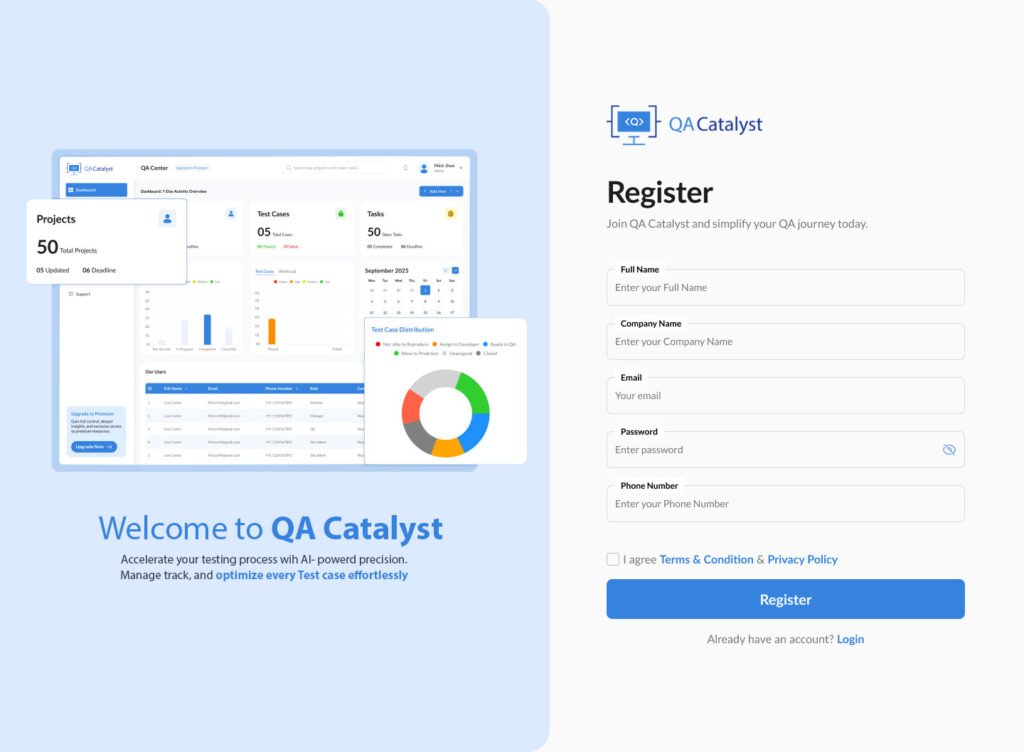
QA Catalyst takes the complexity out of time logging by offering a seamless, integrated solution for task time tracking. Here’s how it helps:
Easy Time Log Entry
Log time manually with detailed descriptions, or use quick log options to save common entries. Users can enter time against specific tasks, making tracking accurate and task-oriented.
Time Log from Multiple Views
Log hours from within a task, project view, or from the dedicated time logging section. This flexibility encourages consistent usage and reduces friction in daily workflows.
Real-Time Time Sheets
Access daily, weekly, or custom date range time sheets with visual breakdowns, helping team leads evaluate time spent on test cases, tasks, and more.
Detailed Time Tracking Reports
With QA Catalyst’s time tracking analytics, users and admins can filter logs by user, project, date, and status—enabling precise analysis and team performance evaluations.
Role-Based Time Entry Management
Managers can review and edit time logs if necessary, ensuring accuracy across team inputs and making efficient time management a collaborative effort.
Organize Projects and Modules Efficiently
Managing multiple projects and their various modules can be overwhelming, especially in large-scale development environments. QA Catalyst allows users to organize test cases based on projects and modules, providing better structure and clarity. Each project can have multiple modules, and each module can have its own set of test cases. This helps break down complex projects into manageable chunks, making it easier for teams to focus on one area at a time.
Best Practices for Effective Time Logging
- Log time daily to avoid guesswork
- Be descriptive about tasks to gain deeper insights later
- Use time logs for retrospectives and planning
- Encourage transparency across all team members
- Review time reports regularly to adjust workflows
Coming Soon: Timesheet Charts
QA Catalyst is continuously evolving. Upcoming features include visual timesheet charts and Gantt chart views, further enhancing the utility of logged time data for planning and forecasting.
Conclusion
Time is a non-renewable resource—especially in QA. By using a tool like QA Catalyst, your team can take control of their hours, better manage workloads, and ultimately improve delivery timelines. With QA time logging, efficient time management, and task time tracking made easy, QA Catalyst is the perfect companion for every high-performing QA team.